Depth Blur
Applies a blur effect to layers in and tokens depending on the current elevation. The farther you are from an object, the more blurrier it will be.
How to use
Depth Blur Configuration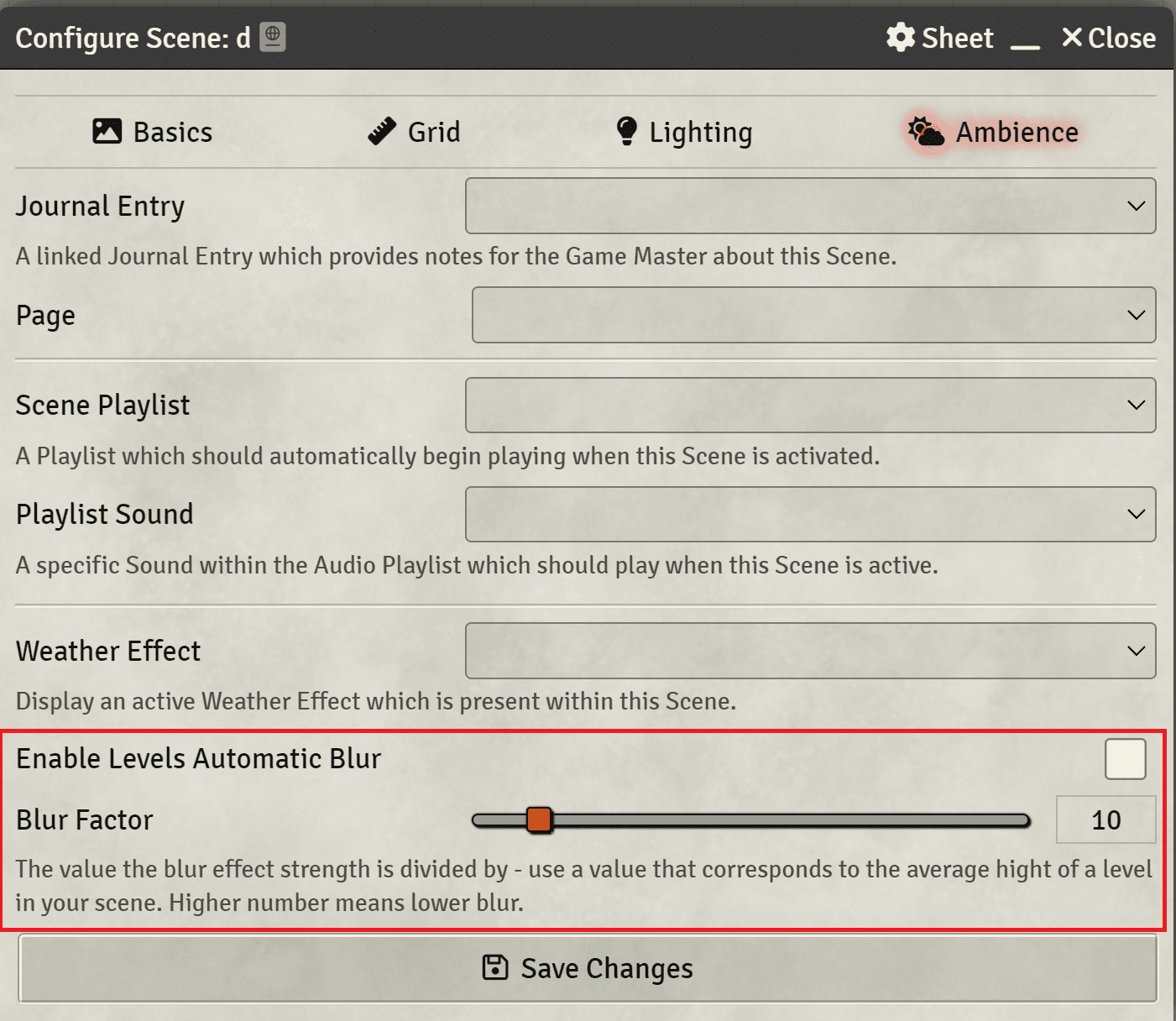
- Open the scene configuration
- Head to the Levels tab
- In the bottom, check
Enablein theDepth Blursection - If you wish, configure the Sharpness as you like
If you have a token selected or a Scene Level selected, you will see any visible object below the current elevation blurred. The higher the elevation difference, the more blurrier it will be.