Environment
The Environment mode of Map Maker sets the mood of the scene: time of day, extra light, weather and color style. It is a quick panel over the most used scene settings, so you can try a sunset or a storm without leaving Map Maker.
The Environment Panel
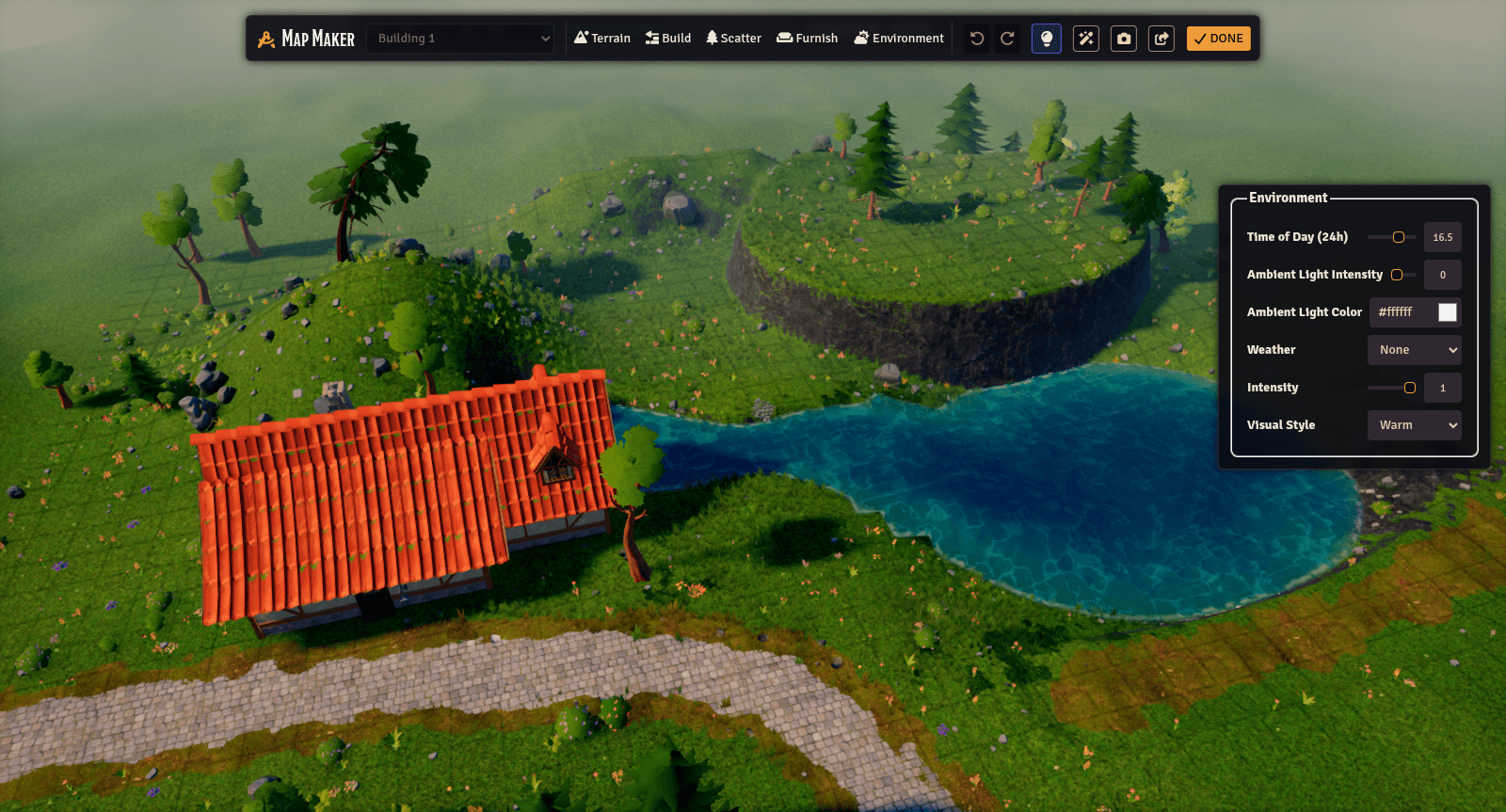
Click the Environment tab. There are no tools and no palette, only the Environment panel. Each change shows at once, is saved to the scene and can be undone with Ctrl + Z.
Time of Day (24h): where the sun or moon is, from 0 to 24 in half hours. 12 is noon, 19 sunset, 23 a night sky.Ambient Light Intensity(0 to 1): an even light everywhere, without shadows. Leave it at 0 by day; raise it at night or in dark interiors so players can still see the map.Ambient Light Color: the color of that light. A cold blue gives moonlight, a warm orange the glow of a city.Weather:None,Overcast,Drizzle,Rain,Heavy Rain,Thunderstorm,Snow,Blizzard,Hail,Fog,Mist,Blowing Sand,Sandstorm,Ashfall,Leaves,Petals,Embers,Fireflies,Mysterious Lights,Stars,Starfall,Dust,Smoke,Toxic Fumes,Custom. Picking one also sets wind, haze and lightning to suit it.Intensity(0 to 1): how strong the weather is.Visual Style: a ready-made color grade:None,Warm,Cold,Dramatic,Noir,Vintage,Dreamy(Customwhen you changed the colors in the scene settings).
Time of Day
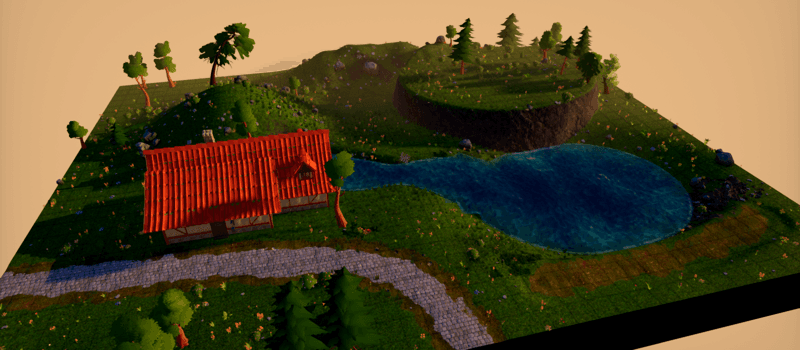
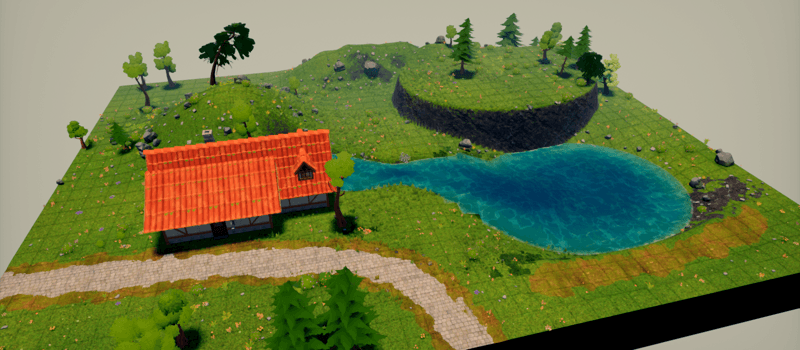
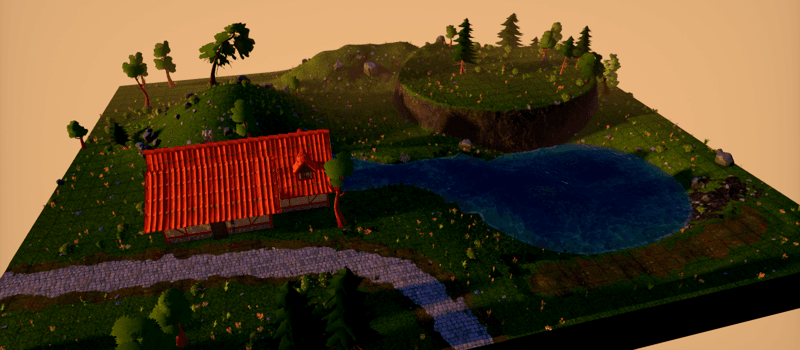
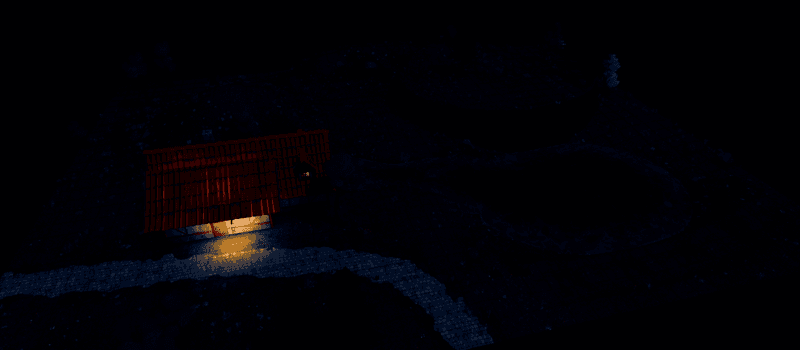
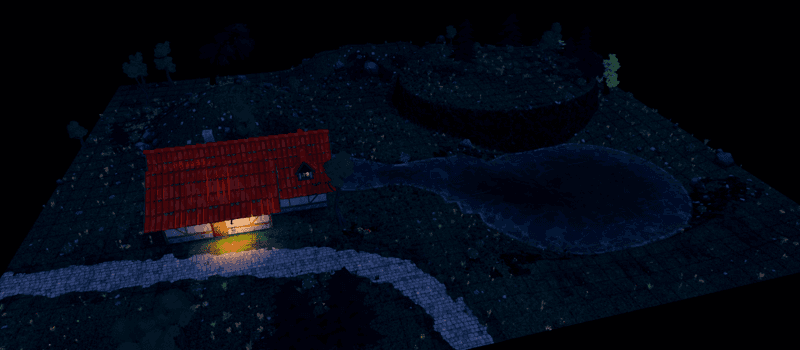
At night the map is lit only by its lights: houses and caves built by Map Maker have their own, and so do lanterns and torches you place. Add some Ambient Light if the rest of the map gets too dark to play.
Visual Style
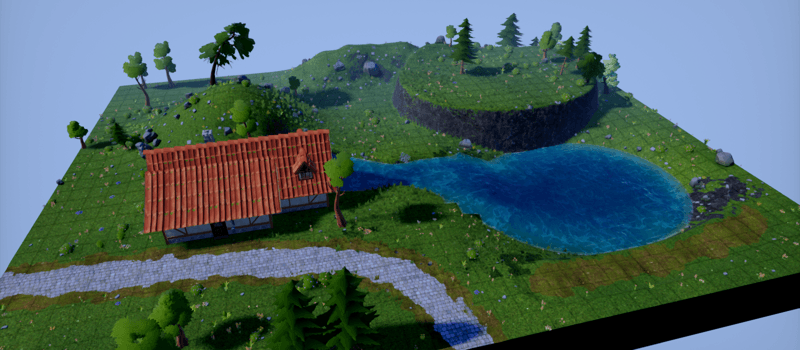
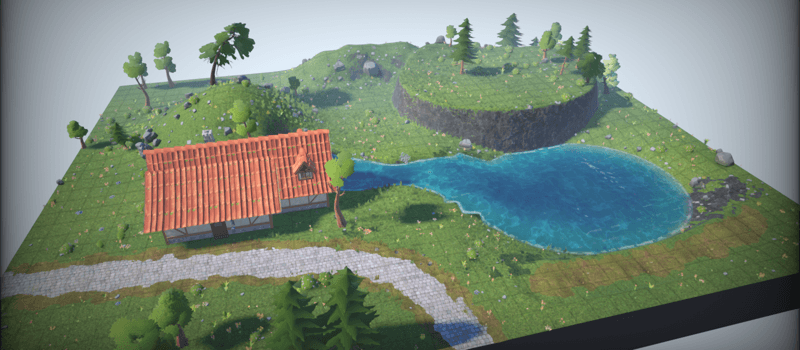
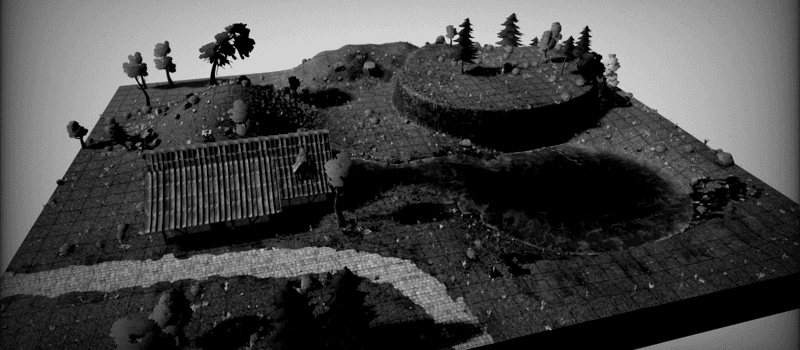
Quick Start sets Warm. Try Cold for winter or horror, Noir for a black-and-white flashback, Dreamy for the Feywild.
Weather
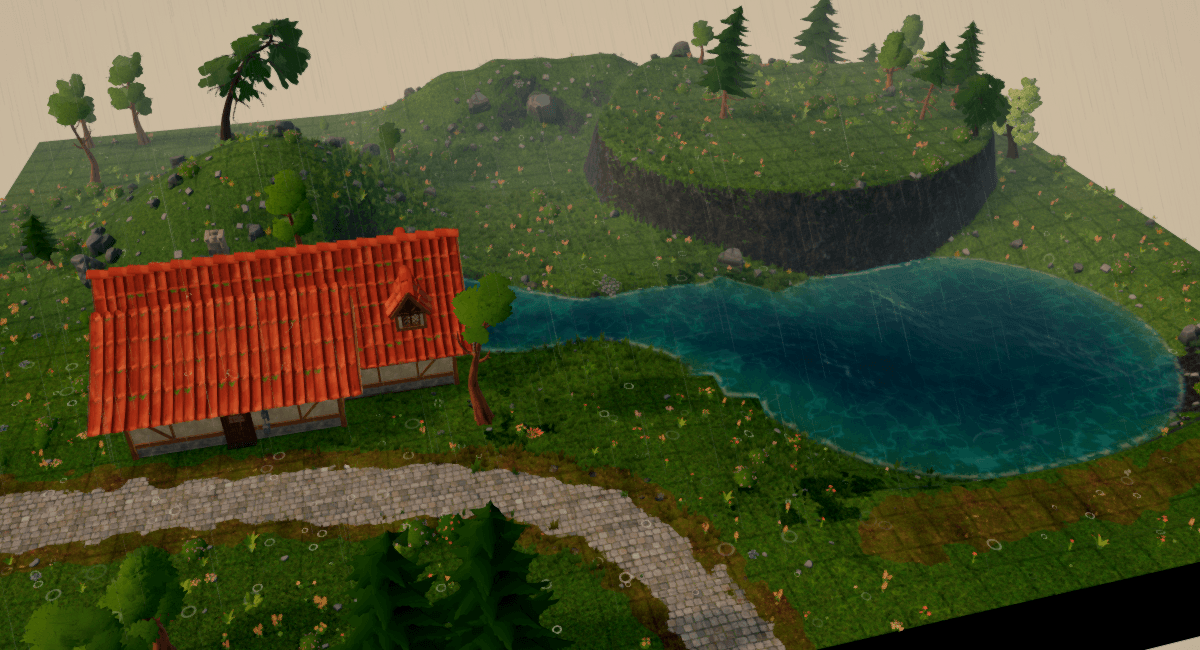
Weather is drawn in 3D for everyone viewing the scene. Heavy weather costs some performance on slow computers: lower Intensity if the scene stutters.
More about each weather and its fine settings (wind, gusts, lightning, snow building up on the ground) in Weather, Shaders & Effects.
Environment and the Scene Settings
The panel edits the same values as the scene's own 3D settings: Configure Scene -> 3D Canvas tab. There you find the rest:
Essentialssub-tab:Time of Day (24h),Weather,Visual Style, andConfigure Skyto pick the dynamic sky (sky, sun, moon, clouds) and its setting (Outdoor,Interior,Underground), see Scene Setup: Sky. Map Maker has no sky picker: Quick Start sets the sky for the kind of scene you chose.Sky & Lightsub-tab:Automatic Lighting, which can tie the time of day to the in-game clock. WithSync Position with World Timethe sun follows the world time, and theTime of Dayyou set here is replaced by it.WeatherandVisualssub-tabs: every weather and color option.
See Scene Setup for all of them.
The Work Light (light bulb in the top bar) is not part of the scene: it lights everything evenly for you only, while Map Maker is open. Turn it off to judge the real time of day and style. See Map Maker: Getting Started.